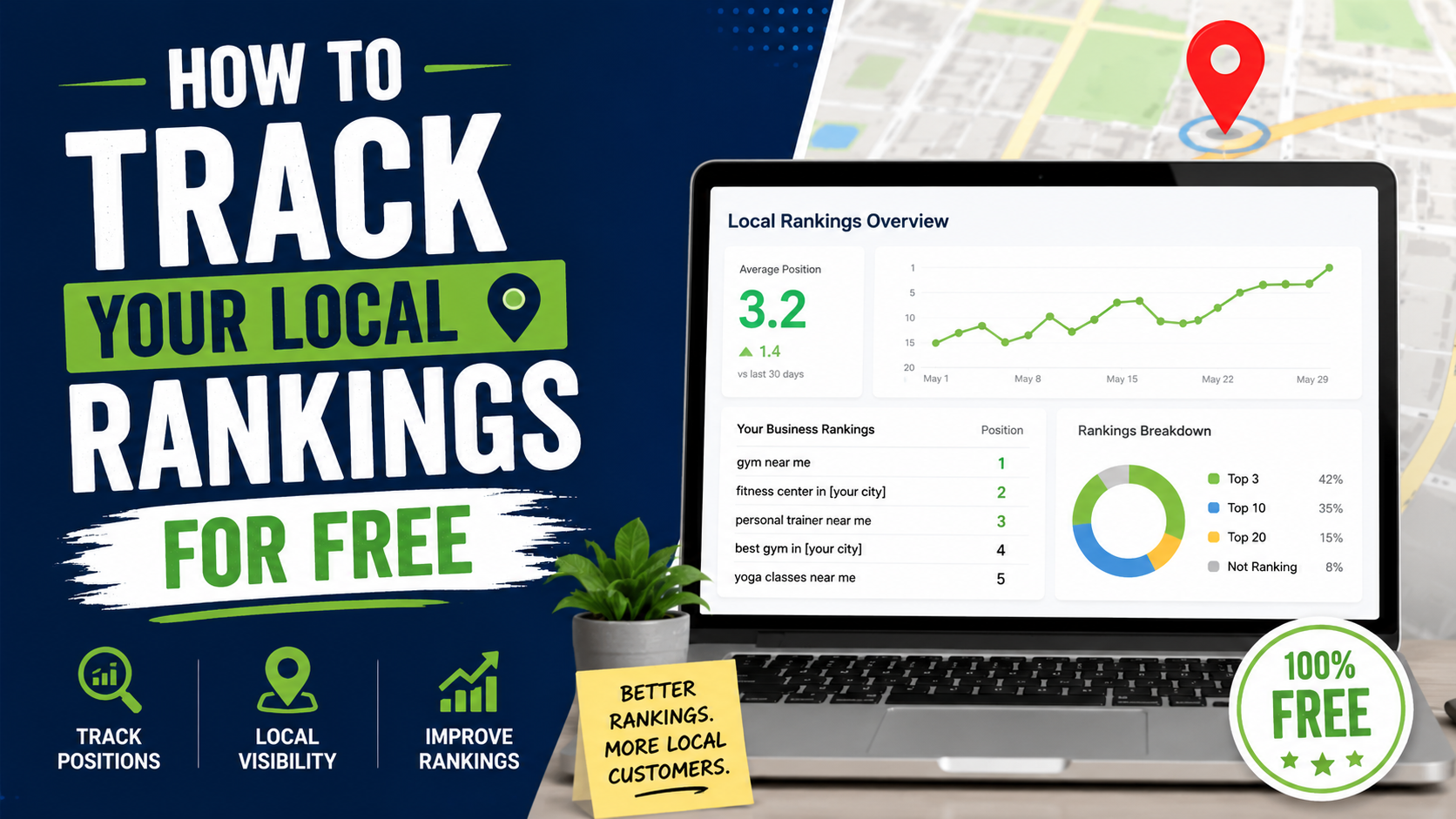
One of the first mistakes people make with local SEO is searching their main keyword from the office, seeing their business in position one, and assuming the campaign is working everywhere.
Then the business owner drives six miles across town, searches the exact same phrase, and suddenly the company is seventh.
Nothing necessarily went wrong.
That is just how local search works.
I have seen this cause more unnecessary panic than almost any other part of local SEO. Someone checks “plumber near me” from one phone and sends a screenshot showing position two. Another person checks from home and sees position eight. A third person cannot find the business in the first ten results.
Everyone thinks Google is broken.
It isn’t.
Google says local results are primarily influenced by relevance, distance, and prominence. Distance specifically considers how far a business is from the person searching. If Google does not have an explicit location in the query, it uses available information to estimate where the searcher is.
That means there is no single universal Google Maps position for many local keywords.
Your business might rank:
#1 two blocks from the office
#4 two miles away
#9 on the other side of town
and not appear at all in a neighborhood much farther away.
This is why local rank tracking needs a slightly different approach from normal SEO.
The good news is that you can learn a surprising amount without paying $50 or $100 every month for a rank tracker.
Here is the free setup I would use.
First, Understand What You’re Actually Tracking
Before opening any tool, separate local rankings into two categories.
Google Maps and Local Pack Rankings
These are the business listings that appear in Google Maps and in the local results shown inside Google Search.
For example, someone searches:
emergency plumber near me
and Google displays several nearby plumbing businesses.
Your Google Business Profile is what you are tracking here.
Local Organic Rankings
These are normal website results.
For example:
Patio Installation in Burlington | Green Oak Landscaping
Your website page may rank organically below or around the local results.
These two things are connected as part of your wider local SEO strategy, but they are not the same ranking.
A business can rank well in Maps and poorly organically.
Another business can have a strong website ranking while its Business Profile has weaker visibility.
Keep them separate in your tracking.
Why Searching Your Own Keyword Is Not Enough
Manual Google searching is useful.
It just needs context.
Suppose your landscaping office is in Burlington.
You sit at the office and search:
landscaper near me
Your business appears first.
Great.
But Google’s own local ranking documentation tells us distance is part of the ranking system.
Your office is obviously extremely close to your office.
That makes your own location a biased testing point.
It is like standing outside a restaurant and checking which restaurant Google thinks is nearby.
You already know one of the answers.
A useful local ranking check asks:
How visible are we across the area customers actually come from?
That is different.
Method 1: Track Your Organic Rankings With Google Search Console
Google Search Console is the first free tool I would set up for any local business website.
It gives you real search data from Google.
You can see:
- Queries
- Clicks
- Impressions
- CTR
- Average position
- Pages
- Countries
- Devices
Google defines queries as the search terms that caused your website to appear in Google Search.
Go to:
Google Search Console → Performance → Search Results
Then open the Queries tab.
You may find searches such as:
- patio installer Burlington
- landscaper Burlington
- interlocking driveway company
- retaining wall contractor
- patio repair near me
These are especially valuable because they are not keywords somebody guessed in an SEO tool.
Your website has actually appeared for them.
Turn on Average Position
Inside the Performance report, enable:
Average position
Google describes this as an average of the topmost position occupied by your site or page across impressions.
Now compare important queries.
For example:
| Keyword | Clicks | Impressions | Avg. Position |
| patio contractor Burlington | 14 | 380 | 5.6 |
| interlocking repair Burlington | 8 | 212 | 7.2 |
| landscaper Burlington | 19 | 760 | 11.4 |
That immediately gives you useful information.
The first two terms may be close to stronger organic visibility.
The third has more impressions but needs more work.
Google itself recommends looking at position trends over time rather than obsessing over an individual position number, and specifically suggests paying close attention to impressions and clicks as well.
That is important.
Position 5.6 does not mean you permanently occupy position 5.6.
It is an average.
Compare Time Periods Instead of Looking at One Day
This is how I use Search Console most often.
Compare:
Last 28 days
with:
Previous 28 days
Then check whether your important local queries are improving.
For example:
patio contractor Burlington
Previous period:
Position 9.8
Current period:
Position 6.4
Impressions also increased.
Clicks increased.
That tells a much more useful story than manually searching once and seeing yourself at number four.
You can also filter Search Console data by dimensions such as query, page, country, and device.
For a local business, I often combine:
Query + Page + Device
to understand what is actually happening.
Important: Search Console Is Not a Google Maps Rank Tracker
This mistake is very common.
Search Console is excellent for website search performance.
It does not give you a clean street-by-street ranking grid for your Google Business Profile.
Do not look at:
Average position: 3.2
and automatically tell the client:
“We’re number three on Google Maps.”
That is not what the metric means.
Use Search Console primarily to track the website side of local SEO.
For Maps, use the methods below.
Method 2: Use Google Business Profile Performance
Your Business Profile itself gives you another set of free information.
Open your profile and choose:
Performance
Google currently reports information that can include:
- Search terms
- Profile views
- Calls
- Website clicks
- Direction requests
- Messages
- Bookings
- Other interactions depending on the business
Google says the Searches section contains terms people used when your Business Profile appeared for a particular search.
This is incredibly useful.
Suppose you think your main GBP keyword is:
landscaping company
But Business Profile performance shows people discovering you through:
patio contractor
landscape designer
interlocking company
yard grading
Now you understand the profile’s real search visibility much better.
What GBP Performance Does Not Tell You
There is one big limitation:
It does not simply say:
You rank #4 for landscaper near me.
It tells you that the business appeared for searches and shows interactions.
That means I use GBP Performance alongside rank checking rather than treating it as the rank checker itself.
Think of it this way:
Rank tracker: Where did I appear?
GBP Performance: What searches exposed my profile, and what did customers do afterward?
Both questions matter.
Method 3: Manually Check Google Maps From Relevant Locations
You can still manually check rankings for free.
Just do it intelligently.
Pick a handful of places across your real service area.
For example:
Point 1: Near your business
Point 2: Downtown
Point 3: Major neighborhood north of you
Point 4: Major neighborhood south of you
Point 5: Edge of your normal service territory
Then check your important keywords.
For example:
plumber
emergency plumber
drain cleaning
water heater repair
You could record:
| Location | Plumber | Emergency Plumber | Drain Cleaning |
| Near office | 1 | 2 | 2 |
| Downtown | 3 | 4 | 5 |
| North area | 5 | 6 | 7 |
| South area | 2 | 3 | 4 |
| Outer area | 9 | 11 | 12 |
Now you are seeing a visibility pattern instead of one position.
That is far more useful.
Incognito Mode Doesn’t Completely Solve Location Bias
A common piece of SEO advice is:
“Just use Incognito mode.”
Incognito can reduce some personalization associated with your normal browsing session.
But it does not teleport you to another neighborhood.
Google still considers location when producing local results.
So Incognito is useful for a cleaner manual spot check, but it does not solve the geographic problem.
If you are physically at your office, you are still checking from around your office.
Method 4: Use a Free Local SERP Checker
This is where free third-party tools can save a lot of driving.
A local SERP checker lets you enter:
Keyword
and:
Target location
to see localized results.
For example:
Keyword:
dentist
Location:
Austin, Texas
Some tools can also show Google Maps results.
BrightLocal currently offers a Local SERP Checker designed to view Google Search and Google Maps results from a specified country, city, or ZIP code. The company labels it as a free tool, although account, daily-use, or trial limits can apply.
SearchBloom also currently provides a free Local SERP Checker that lets you specify a country, language, and search location without requiring installation.
These tools are useful when you want to ask:
“What does this search look like from downtown?”
without physically standing downtown.
Don’t Treat Any Local SERP Simulator as Perfect
There is an important limitation here.
Local search results can vary because of:
- Exact search coordinates
- Device
- Time
- Query wording
- Search history
- Google testing
- Result personalization
- Other contextual signals
So if a free checker says position four and your friend’s phone says position five, I would not declare one of them broken.
The goal is to establish a repeatable benchmark.
Use the same tool.
Use the same locations.
Use the same keywords.
Track the trend.
Consistency in your tracking method is more important than pretending one observation represents every searcher in the city.
Method 5: Use a Free Geo-Grid Scan
This is the easiest way to understand why local SEO professionals use ranking grids.
Imagine placing nine search points around your business:
3 × 3 grid
At every point, you check:
dentist
Your results might look like:
| 8 | 5 | 7 |
| 4 | 1 | 3 |
| 9 | 6 | 10 |
Now you can visually see that visibility is strongest near the business and weaker farther away.
Some free tools currently provide limited versions of this.
For example, ReviewPanel currently advertises a free, no-signup 3×3 local visibility scan using nine geographic points.
Free tools can change their limits, so I would never build an entire SEO reporting system around one third-party free offer.
But for checking one business occasionally, these tools can be useful.
Why Geo-Grids Are Better Than One Ranking
Suppose you tell a business:
“You rank fourth.”
The next question should be:
“Where?”
That is the problem with traditional local rank reporting.
A grid can reveal something much more interesting.
Maybe you rank extremely well south of your office but poorly north of it.
Why?
Maybe:
- Strong competitors are located north
- Your business is farther away
- Your local authority is weaker there
- The query intent changes
- Your physical location simply favors one area
You may not be able to completely overcome proximity.
Google openly says distance is a core local ranking factor.
That is why local SEO expectations need to remain realistic.
Method 6: Build a Free Ranking Tracker in Google Sheets
You do not need fancy software to store the results.
Create a Google Sheet.
I would use columns like:
Date
Keyword
Search Location
Maps Position
Organic Position
Top Competitor
Notes
Then record something once per week or once every two weeks.
For example:
| Date | Keyword | Location | Maps | Organic |
| Aug 1 | patio contractor | Burlington | 5 | 7 |
| Aug 8 | patio contractor | Burlington | 4 | 6 |
| Aug 15 | patio contractor | Burlington | 3 | 6 |
| Aug 22 | patio contractor | Burlington | 3 | 5 |
That is enough to spot movement.
You do not need to check every four hours.
How Often Should You Check Local Rankings?
For most small businesses:
Once per week is enough.
For slower campaigns:
Every two weeks can be fine.
I would rarely recommend obsessively checking rankings every day unless you are investigating a specific problem or major algorithm update.
Daily movement happens.
Position three becoming position five tomorrow does not necessarily mean the campaign failed.
Look for sustained patterns.
For example:
Month 1:
Average grid visibility mostly positions 8–15.
Month 3:
Mostly positions 4–9.
Month 6:
Strong top-three visibility around the core service territory.
That tells you something useful.
Track a Small Set of Commercial Keywords
Another mistake is tracking 300 keywords because an SEO tool allows it.
For a small local business, start with the searches that actually matter.
A roofing company might track:
- roofer
- roofing company
- roof repair
- roof replacement
- emergency roof repair
Then add location variants where useful.
A dentist might use:
- dentist
- family dentist
- emergency dentist
- dental clinic
- teeth whitening
You can expand later.
I would rather accurately monitor 10 valuable searches than create a huge report nobody reads.
Track Different Locations Too
Do not make this sheet:
| Keyword | Rank |
| plumber | 2 |
| emergency plumber | 3 |
| drain cleaning | 4 |
Make it:
| Keyword | Location | Rank |
| plumber | Downtown | 2 |
| plumber | Northside | 6 |
| plumber | Westside | 4 |
| plumber | Eastside | 9 |
Now you have local SEO data.
Method 7: Watch Your Competitors at the Same Time
Every ranking check gives you competitor information for free.
Suppose you check:
roof repair
and the top three are:
- ABC Roofing
- Jones Roofing
- City Roof Experts
Your company is fifth.
Record the businesses consistently appearing above you.
Then investigate them.
Look at:
- Primary category
- Review count
- Review recency
- Photos
- Services
- Website
- Service pages
- Local backlinks
- Content
- Locations
Do not obsess over copying every competitor.
You are trying to understand the competitive landscape.
If the same company appears above you across 15 grid points, that is a much more meaningful competitor than a business that outranks you at one random location.
Method 8: Track Leads Alongside Rankings
This is the part I care about most.
Suppose your rankings improve from:
Position 7 → Position 3
Excellent.
But what happened to:
- Calls?
- Website clicks?
- Quote requests?
- Direction requests?
- Bookings?
- Revenue?
Google Business Profile performance currently reports customer interactions including calls, directions, website clicks, and other available actions.
That is the second half of rank tracking.
Rankings are a means to an end.
A business does not really want position one.
It wants customers.
A Free Monthly Local SEO Dashboard
You can build a surprisingly good report without paying for software.
Use:
Google Search Console
Track:
- Organic clicks
- Impressions
- Average position
- Important queries
- Important landing pages
Google specifically recommends looking at trends in clicks and impressions alongside position.
Google Business Profile Performance
Track:
- Search terms
- Calls
- Website clicks
- Directions
- Profile views
Google allows verified profiles to access and, for eligible account setups, download performance information.
Local SERP Checks
Track five to ten important keywords from several target locations.
Google Sheets
Record everything monthly.
That is enough for a small business to understand whether local visibility is improving.
A Practical Weekly Tracking Routine
Here is the workflow I would actually use.
Monday: Check Maps Rankings
Choose your five most important keywords.
Check them from the same target locations.
Record positions.
Tuesday: Check Search Console
Look at:
Last 28 days vs previous 28 days
Check your main local queries and pages.
Wednesday: Check GBP Performance
Look for:
- New search terms
- Call movement
- Website click movement
- Direction requests
End of Month: Review Trends
Ask:
Are we visible across more of the city?
Are important keywords improving?
Are impressions increasing?
Are calls increasing?
Are website visits increasing?
Are leads increasing?
That tells you more than a daily ranking screenshot ever will.
Common Free Rank Tracking Mistakes
Checking Only From Your Office
You are naturally close to your own business.
Check multiple areas.
Assuming One Search Equals Your Ranking
Local results change by geography.
There is no single universal Maps position.
Confusing Organic Rankings With Maps Rankings
Search Console is extremely useful, but it is not a street-level Google Business Profile grid tracker.
Checking Every Day and Panicking
Local results move.
Watch trends.
Tracking Only Your Business Name
If you search:
Green Oak Landscaping
and rank first, congratulations.
You should probably rank for your own name.
Also track non-branded service searches.
Tracking Vanity Keywords
Ranking for:
best luxury landscaping design ideas
does not matter much if your customers actually search:
landscaper near me
Track commercial searches tied to services.
Ignoring Location
A local rank without a location has very little context.
Changing Tools Every Week
If every tool simulates location differently, your numbers become hard to compare.
Use one repeatable method.
Ignoring Conversions
A ranking report showing 47 green arrows looks nice.
Phone calls pay the bills.
Don’t Promise Clients “Position One Everywhere”
This is worth saying clearly.
No legitimate local SEO campaign can promise that one business will rank first from every point across a city.
Distance matters.
Google says it directly.
If your dental clinic is on the west side of a large city, another strong dentist located ten miles east may naturally have an advantage for people searching from the east side.
Your goal should be:
Increase meaningful visibility across the areas where ranking is realistically possible and commercially useful.
That is a much healthier measurement.
What I Would Track for a Local Business
If I wanted to keep things extremely simple, my monthly spreadsheet would contain:
Maps
10 main commercial keywords.
5 target locations.
Organic
10 main queries from Search Console.
GBP
Search terms.
Calls.
Website clicks.
Directions.
Business
Form leads.
Phone leads.
Booked jobs.
Revenue when available.
That is enough.
Everything else is detail.
When Is a Paid Local Rank Tracker Worth It?
Free tracking works well when you have:
- One business
- One location
- A small keyword set
- Enough time to check manually
It becomes painful when you manage:
- 20 clients
- 50 locations
- 100 keywords each
- Weekly geo-grid scans
- Competitor reporting
At that point, automation is worth paying for.
Paid local SEO platforms can automatically:
- Run geo-grids
- Store historical rankings
- Compare competitors
- Generate reports
- Track dozens of locations
But you do not need that setup to begin understanding your own business.
Start free.
Pay for automation when the manual work becomes more expensive than the software.
Final Thoughts
Tracking local rankings for free is completely possible.
You just need to stop thinking of local rankings as one number.
Your business does not simply rank:
#4 for plumber.
It might rank:
#1 near your office.
#3 downtown.
#7 in another neighborhood.
#12 near the edge of the city.
Google’s own documentation explains why: local rankings are influenced by relevance, distance, and prominence.
So build your tracking around that reality.
Use Google Search Console for organic search queries, impressions, clicks, and average position.
Use Google Business Profile Performance to see which searches expose your profile and what customers do afterward. Google currently provides data including search terms, views, calls, website clicks, directions, and other interactions where relevant.
Use manual searches or a free local SERP checker to spot-check Google Maps from different locations.
Use a small geo-grid when you want to understand neighborhood-level visibility.
Put the results into Google Sheets.
Then track the numbers that matter even more than rankings:
Calls.
Forms.
Bookings.
Customers.
Revenue.
Because moving from position six to position three feels good.
But if nobody contacts the business, it is just a nicer number in a spreadsheet.