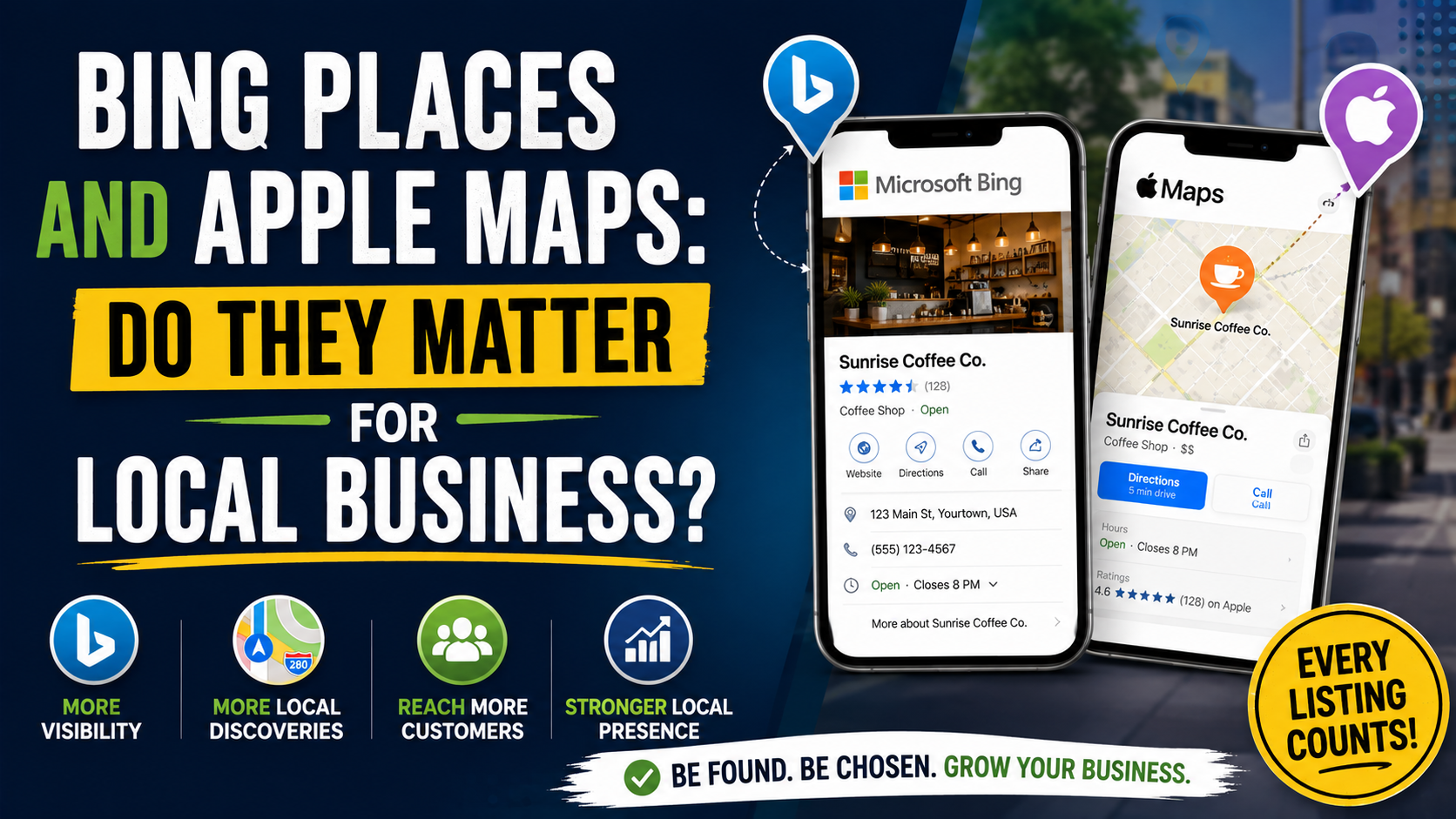
A local business owner once asked me a very reasonable question after we finished cleaning up their Google Business Profile:
“Do I really need to bother with Bing and Apple Maps too?”
I understood why they were asking.
Google was producing most of the obvious activity.
That was where the reviews were.
That was where we were watching Maps rankings.
That was where most of the SEO attention was going.
Spending another afternoon claiming profiles on platforms that appeared smaller felt like adding work for very little return.
Then we checked the other listings.
Apple Maps had an old phone number.
Bing showed outdated business hours.
One platform had the right address but linked to an old version of the website.
At that point, the question changed.
It was no longer:
“Will Bing Places double our leads?”
It became:
“Why would we knowingly leave incorrect business information in places real customers use when fixing it costs almost nothing?”
That is how I look at Bing Places and Apple Maps today.
Neither should replace your Google Business Profile strategy.
But ignoring them completely is hard to justify, especially when both Microsoft and Apple let businesses manage local information for free.
And in 2026, both platforms are getting more serious about local business discovery.
The Short Answer: Yes, They Matter
If you want the simple version:
Google Business Profile should normally remain the first priority for local SEO.
After that, I would claim and optimize:
Apple Maps through Apple Business
and:
Bing Places for Business
for almost every eligible local company.
I would not spend the same amount of time on all three.
But I would absolutely make sure all three contain accurate business information.
Why?
Because customers do not all discover local businesses in exactly the same way.
Some use Google Maps.
Some ask their iPhone for directions.
Some search through Bing.
Some find a business through another Apple surface.
And even when a platform sends relatively few direct leads, an accurate listing still strengthens your overall business presence across the web.
The cost of getting the basics right is low.
The downside of leaving incorrect information can be very real.
Bing Places Has Changed More Than Many Business Owners Realize
If you have not looked at Bing Places for several years, it is worth looking again.
Microsoft launched a redesigned Bing Places for Business experience in October 2025.
The platform is free and allows businesses to create or manage listings that can appear in Bing search results and Bing Maps. Microsoft also moved the experience into the Bing.com ecosystem rather than keeping it solely on the older BingPlaces.com setup. (blogs.bing.com)
The redesigned system also improved its Google Business Profile import process.
Microsoft says the new import flow is designed to preserve important information such as:
- Business name
- Hours
- Contact information
It also added bulk management tools, status updates, and recommendations that can point out missing information such as photos, opening hours, websites, social profiles, menus, or ordering links depending on the type of business. (blogs.bing.com)
That makes Bing much easier to add to an existing local SEO workflow than it used to be.
What Can You Add to Bing Places?
A basic Bing Places listing can contain much of the information you would expect from a local business profile.
Microsoft’s current platform allows businesses to add or manage information such as:
- Business name
- Address
- Phone number
- Website
- Business hours
- Services
- Photos
- Contact methods
Businesses can claim existing listings or create new ones, and multi-location companies can use bulk-management options. Microsoft also supports certain service businesses that need to hide their physical address from public search results. (bing.com)
That sounds simple.
And honestly, it should be.
Your Bing listing does not need to become a second full-time marketing channel.
For many small businesses, the main job is making sure Microsoft has the right information.
Why I Would Still Set Up Bing Places
Suppose you run a plumbing company.
Your Google Business Profile is perfect.
But Bing shows:
Old phone: 555-234-0000
Your current number is:
555-234-9876
A customer finds you through Bing and calls the old number.
The line is disconnected.
That lead is gone.
It does not matter that Bing generated fewer searches than Google.
That specific customer was using Bing.
This is why I do not judge secondary listings entirely by traffic volume.
If a platform is free, legitimate, and used for local discovery, I want the business information correct there.
Bing Is Also Becoming Easier to Maintain
One reason business owners avoid secondary listings is maintenance.
They imagine having to manually update five platforms every time Christmas hours change.
Microsoft’s redesigned Bing Places has made importing Google listing information much easier. The current platform specifically highlights faster Google imports as one of its major improvements. (blogs.bing.com)
That does not mean I would blindly trust imported information forever.
After importing, I still check:
- Business name
- Category
- Phone
- Address
- Website
- Hours
- Photos
Automated imports save time.
They do not replace quality control.
Apple Maps Is More Important Than Many Local Businesses Think
Apple Maps is the one I see neglected more often.
A business owner spends hours adjusting their Google profile and then discovers that Apple Maps still shows an entrance from five years ago.
That matters because Apple Maps is built directly into the Apple ecosystem.
And Apple has expanded the amount of control businesses have over their presence.
Until recently, the platform used for managing these listings was called Apple Business Connect.
That changed in 2026.
Apple launched Apple Business on April 14, 2026, combining its previous business-management tools into one platform. Existing Apple Business Connect location data was migrated automatically. (apple.com)
So if you find an older article telling you to open Apple Business Connect, understand that the branding and platform have changed.
The local listing functionality still exists.
It now lives inside Apple Business.
Where Can Apple Business Information Appear?
This is why I would not treat an Apple listing as just another directory citation.
Apple says businesses can manage information that appears across Apple services and apps.
For local business discovery, that includes rich place information in Apple Maps and visibility through other Apple experiences.
Apple’s current platform allows businesses to manage brand and location details that can appear across services including:
- Apple Maps
- Safari
- Spotlight
- Siri and other Apple experiences
Apple’s current business platform also supports branded information across Wallet and other Apple services. (apple.com)
That means one location profile can affect several points where an Apple user might encounter your company.
Apple Maps Place Cards Are Much Better Than Basic Directory Listings
When a customer selects a business in Apple Maps, they can see what Apple calls a place card.
Businesses can customize location information and add useful content such as:
- Business name
- Location information
- Phone
- Website
- Opening hours
- Photos
- Cover photos
- Actions
- Promotional showcases
Apple also provides location-level insights so businesses can see how customers discover and interact with their locations, including searches, views, and action taps. (apple.com)
That is considerably more useful than simply putting an address into a directory.
Apple Actions Can Produce Real Customer Activity
This is one Apple Maps feature I would pay attention to.
Apple supports actions customers can take directly from a place card.
Depending on the business and available integrations, actions may include things such as:
- Call
- Get directions
- Visit website
- Order
- Reserve
- Save a location
- Other business-specific actions
Apple currently lets businesses choose relevant Actions and, where supported, make one a primary action on the place card. (support.apple.com)
Think about a restaurant.
Someone opens Maps.
Instead of only seeing the restaurant address, they may have a direct path toward making a reservation or taking another useful action.
For a service business, the valuable actions may be simpler:
Call.
Visit website.
Get directions if customers visit the business.
Still useful.
Apple Showcases Are Worth Knowing About
Apple also supports something called a Showcase.
A Showcase lets a business highlight a temporary promotion, new product, deal, event, or other message on its place card.
A Showcase can contain:
- Headline
- Description
- Image
- Call to action
- Start and end dates
Apple currently allows Showcases to run for defined periods, with a default duration and a maximum of up to 365 days depending on configuration. Showcases go through Apple review before publication. (support.apple.com)
For example, a restaurant could highlight:
New Summer Menu
A retailer might promote:
Back-to-School Collection
A salon might feature:
New Treatment Available
I would not treat this as a replacement for your main marketing channels.
But if customers are already finding the business in Apple Maps, giving them current information makes sense.
Does Apple Maps Help SEO?
This is where I would be careful with wording.
Do not think:
“Claim Apple Maps and my Google ranking will jump.”
That is not how I would sell the benefit.
Apple Maps is primarily valuable because it improves your presence within Apple’s own local discovery ecosystem.
It also gives you another authoritative place where your real business details can be represented correctly.
From a broader local marketing perspective, I like that.
But I would not make unsupported claims such as:
“Apple Maps is a guaranteed Google ranking factor.”
You do not need that claim to justify setting it up.
The business case is already clear:
Real customers use Apple products.
Those customers use Maps.
Your listing is free to manage.
Make sure they see accurate information.
Does Bing Places Help Google Maps Rankings?
Same answer.
I would not create Bing Places purely because someone promised it would improve your Google Maps position.
Google controls Google Maps rankings.
Bing controls Bing’s local results.
The stronger reason for using Bing Places is to make sure your company can be accurately discovered inside Microsoft’s search ecosystem.
The citation and consistency benefit is useful.
But the direct purpose is:
Be correctly represented on Bing.
That is enough.
Which One Should You Prioritize First?
If I were starting from zero, my order would usually be:
1. Google Business Profile
This still receives the most attention in most local SEO campaigns.
Get the foundation right first.
2. Apple Business / Apple Maps
Especially important for:
- Restaurants
- Retail
- Medical businesses
- Salons
- Hotels
- Automotive businesses
- Local attractions
- Customer-facing storefronts
But I would still claim it for eligible service businesses where appropriate.
3. Bing Places for Business
Once Google is in good condition, Microsoft’s import tools make Bing relatively easy to add.
After those three, I would move toward industry and local platforms such as:
- Yelp
- Tripadvisor
- Nextdoor
- Industry directories
- Chamber listings
depending on the business.
How I Would Set Up Bing Places
The process is not complicated.
Step 1: Search for the Business First
Do not immediately create a new listing.
Bing may already know about your company.
Search for it and claim the existing profile if appropriate.
Step 2: Consider Importing From Google
If your Google Business Profile is already accurate, use Bing’s Google import workflow where available.
Microsoft specifically redesigned this process to make importing existing businesses easier. (blogs.bing.com)
Step 3: Review Every Field
Check:
- Name
- Address
- Phone
- Website
- Categories
- Hours
- Services
Do not assume everything imported perfectly.
Step 4: Upload Good Photos
Use real business photos.
Not 15 generic stock images.
Step 5: Verify the Listing
Follow the verification method Bing provides.
Step 6: Check It Like a Customer
Search the business in Bing afterward.
Make sure the final result actually looks correct.
That last step catches a surprising number of issues.
How I Would Set Up Apple Maps in 2026
The workflow now happens through Apple Business.
Step 1: Create or Access Apple Business
Use the Apple Business platform.
Remember that older tutorials referring to Apple Business Connect are using the previous name and setup. Apple moved those features into Apple Business in April 2026. (apple.com)
Step 2: Find or Add the Location
Search for the existing business location before adding a new one.
Apple allows businesses to claim an existing location or add one when necessary. (support.apple.com)
Step 3: Verify the Business
Complete Apple’s verification process.
Step 4: Check the Core Details
Confirm:
- Name
- Address
- Phone
- Website
- Hours
Apple recommends using the location-specific website URL where one exists rather than sending every location to a generic corporate homepage. (support.apple.com)
That is a small detail I like.
If someone is looking at your Burlington clinic, send them to the Burlington page.
Not a generic page where they have to search for the location again.
Step 5: Add Strong Photos
Show:
- Storefront
- Interior
- Products
- Team
- Services
- Real location
depending on the business.
Step 6: Configure Useful Actions
If supported, add the actions that make sense for customers.
Do not add things simply because they are available.
Step 7: Use Showcases When You Actually Have Something to Promote
New menu?
Seasonal promotion?
Special event?
A Showcase can make sense.
Otherwise, do not create filler.
NAP Consistency Matters Here Too
One of the reasons I like claiming all three major profiles is that it forces you to look at your business information carefully.
Your:
Name
Address
Phone
Website
should tell the same basic story across:
- Apple
- Bing
- Your website
- Major directories
This does not mean every platform needs identical punctuation.
125 Main Street
and:
125 Main St.
are obviously the same address.
What I care about is avoiding real conflicts.
For example:
Google:
125 Main Street
Apple:
48 Queen Street
Bing:
125 Main Street
That needs attention.
Or:
Google phone:
555-101-2020
Bing phone:
555-555-1234
because nobody updated it after the company changed providers.
Fix that.
Don’t Forget Hours
Hours are one of the easiest fields to neglect.
Imagine somebody asks for directions through Apple Maps on Saturday.
Your Apple profile says:
Open until 6 PM
Your store actually closes at 2 PM.
They arrive at 4 PM.
That customer does not care which platform caused the error.
They blame the business.
Whenever you make a major hours change, remember the secondary platforms too.
Especially:
- Holiday hours
- Seasonal hours
- Permanent schedule changes
If you use syncing or listing-management software, great.
Still spot-check the result.
Use Location-Specific URLs for Multi-Location Businesses
This is something I strongly recommend.
Suppose a dental company has clinics in:
- Toronto
- Burlington
- Oakville
Do not send every Maps profile to:
example.com
if you already have:
example.com/burlington/
example.com/oakville/
Give the customer the most relevant destination.
Apple’s own current location guidance specifically recommends using a specific location URL where one exists. (support.apple.com)
I use the same logic on Bing and other local profiles whenever the platform allows it.
Less friction.
Better customer experience.
Better tracking.
Track the Traffic
One thing I do not like is setting up listings and then never checking whether anyone uses them.
Add UTM parameters to website links where practical.
For example, you could distinguish traffic coming from:
- Google Business Profile
- Bing Places
- Apple Maps
Then use Google Analytics 4 to see whether visitors arrive.
Apple also provides its own location insights for activity such as search, views, and taps on actions. (apple.com)
Do not be surprised if Google produces far more traffic.
That is fine.
You are trying to understand contribution, not prove that all platforms are equal.
Common Bing Places Mistakes
Ignoring the Listing Because Bing Is Smaller
Smaller does not mean zero customers.
And the setup is free.
Importing From Google and Never Reviewing It
Imports save time.
Still verify the data.
Using an Old Phone Number
Test the number.
Actually call it.
Uploading No Photos
Microsoft’s new Recommendation Tool specifically encourages businesses to fill missing information such as photos, hours, websites, and other useful details. (blogs.bing.com)
Creating a Duplicate Without Searching First
Always check whether a listing already exists.
Common Apple Maps Mistakes
Looking for Apple Business Connect and Giving Up
The platform changed.
As of 2026, the relevant tools have moved into Apple Business. (apple.com)
Ignoring Apple Because You Personally Use Android
Your customers may not.
Optimize for customers, not your personal device preference.
Using a Generic Corporate Website for Every Branch
Use location-specific pages when available.
Leaving Poor Photos
Maps is visual.
Upload something that accurately represents the location.
Ignoring Actions
If customers can call, order, reserve, or complete another useful action directly from the place card, configure those options correctly where available.
Never Checking the Pin
A correct street address does not automatically mean the map placement looks perfect.
Open Maps and confirm the location from a customer’s point of view.
Should a Service-Area Business Use Them?
Yes, where the platform supports the business model and the company is eligible.
The important thing is setting the profile up accurately.
Do not invent a storefront simply because you want a map listing.
If you operate a plumbing, landscaping, cleaning, electrical, or similar company, use the available service-business setup and follow the platform’s address-visibility rules.
The same principle I use for Google applies here:
Represent the real business.
Not the location you wish you had for SEO.
Are Bing and Apple Worth Paying an Agency to Manage?
For one small location?
Probably not as standalone monthly services in most cases.
I would normally include them inside a broader local SEO or citation-management process.
The initial work is usually:
- Claim
- Verify
- Correct
- Add photos
- Optimize details
- Check periodically
That is not a huge workload for one business.
For 100 locations, the story changes.
Now you need processes for:
- Bulk management
- Hours
- Closures
- New locations
- Photos
- Website URLs
- Ownership
- Data consistency
That is where software, APIs, or listing-management services become much more valuable.
How Much Time Would I Spend on Them?
For a typical single-location business, I would use a simple priority system.
Google Business Profile
Ongoing attention.
Reviews, photos, profile accuracy, performance, services, and other important features.
Apple Maps
Set it up properly.
Add quality location content.
Review periodically.
Use Showcases or Actions when there is a genuine reason.
Bing Places
Claim it.
Import where useful.
Verify accuracy.
Add missing details.
Review occasionally.
That is enough for most businesses.
You do not need to publish a daily “Bing strategy.”
The Bigger Lesson: Don’t Build Your Local Presence Around One Company
This is probably my main reason for setting up both.
A strong local business should not exist correctly in only one database.
Imagine Google is perfect but everywhere else shows outdated information.
That is a fragile online presence.
I prefer seeing the same legitimate business represented clearly across:
- Apple
- Microsoft
- Major review platforms
- Industry directories
- Local organizations
- The business’s own website
Not because you need hundreds of citations.
Because real businesses naturally exist in more than one place online.
Final Thoughts
So, do Bing Places and Apple Maps matter for local businesses?
Yes.
Just not in the exaggerated way local SEO advice sometimes presents them.
I would not tell a plumber:
“Stop everything and spend the next month optimizing Bing.”
Google Business Profile will normally deserve more attention.
But I also would not tell them:
“Bing and Apple don’t matter, ignore them.”
That makes even less sense.
Bing Places is free, Microsoft rebuilt the platform in 2025, improved its Google listing import process, and now provides better tools for maintaining local business information in Bing search and Maps. (blogs.bing.com)
Apple has gone further.
In April 2026, Apple replaced the old Apple Business Connect setup with the broader Apple Business platform. Local companies can manage rich location details, photos, hours, Showcases, Actions, and insights that support discovery through Apple Maps and other Apple experiences. (apple.com)
For most local businesses, the strategy is straightforward:
Get Google right first.
Then claim Bing.
Claim Apple.
Make sure your name, address, phone, hours, and website are correct.
Upload some real photos.
Use location-specific website links.
Configure useful actions where available.
Then check the listings periodically instead of forgetting they exist for five years.
Will that magically double your leads?
Probably not.
Could it prevent customers from finding the wrong phone number, old address, bad directions, or outdated business hours?
Absolutely.
And because the basic listings are free to manage, that is enough reason for me to include both in a proper local SEO setup.