The first time I used Instantly, I had a simple goal: stop wasting hours manually sending outreach emails.
At that point, the process looked something like this:
Find a prospect → write an email → send it → create a reminder → follow up manually.
It worked when the list was small.
But once the number of prospects increased, everything started falling apart.
Some follow-ups were forgotten. Some replies got buried under other emails. Tracking which campaigns were actually working became a guessing game.
I tried managing outreach through Gmail, Google Sheets, and different automation tools, but it always felt like something was missing.
That is when I started testing cold email platforms, and Instantly was one of the tools that caught my attention.
After using it, I understood why so many agencies, freelancers, and sales teams talk about it.
But I also noticed something important:
Instantly is not a magic button that suddenly creates customers.
It is a tool that makes a good outreach process easier to manage.
If your targeting, email copy, or offer is weak, Instantly will not fix those problems.
But if you already have a clear outreach strategy, it can save a lot of time.
Here is my honest hands-on review.
What Is Instantly?
Instantly.ai is a cold email automation platform designed for businesses that want to run outbound email campaigns at scale.
It helps users:
- Send cold email campaigns
- Manage multiple email accounts
- Create automated follow-ups
- Track replies
- Monitor campaign performance
- Improve email sending workflows
The main idea behind Instantly is simple:
Instead of manually sending hundreds of emails from different inboxes, you can manage your outreach from one dashboard.
It is especially popular among:
- Marketing agencies
- Lead generation companies
- Freelancers
- Sales teams
- B2B businesses
My First Impression of Instantly
The first thing I noticed was that Instantly did not feel overloaded.
Some sales platforms have so many menus and settings that you spend more time learning the software than actually using it.
Instantly felt more focused.
The main workflow is straightforward:
Connect email accounts → Create campaign → Upload leads → Write sequence → Launch
That simplicity is probably one reason beginners like it.
However, there was one thing I quickly learned:
Simple does not mean effortless.
The software is easy.
Getting good results from cold email still requires understanding:
- Who you are contacting
- Why they should care
- How your email sounds
- When to follow up
Setting Up Instantly: My Experience
The setup process was fairly straightforward.
Here is how I approached it.
Step 1: Connecting Email Accounts
The first step was connecting sending accounts.
This is where many beginners make mistakes.
They connect one brand-new email address and immediately start sending hundreds of messages.
That is risky.
A better approach is:
- Use properly configured email accounts
- Set reasonable sending limits
- Maintain good email practices
Your email reputation matters more than sending volume.
Step 2: Creating a Campaign
Creating campaigns inside Instantly is simple.
You can add:
- Campaign name
- Email sequence
- Sending schedule
- Follow-up timing
For example:
Email 1:
Introduction
Wait 3 days
Email 2:
Follow-up with additional value
Wait 5 days
Email 3:
Final check-in
This removes the need to manually remember follow-ups.
Step 3: Adding Leads
You can upload prospect lists and organize campaigns.
But this is where I learned one of the biggest lessons:
A bad list creates bad results.
Many people blame cold email software when their real problem is poor targeting.
A list of 10,000 random contacts is usually worse than a carefully researched list of 500 relevant prospects.
Features I Actually Found Useful
1. Multiple Inbox Management
This is probably one of Instantly’s biggest advantages.
For outreach teams, managing multiple inboxes manually becomes difficult.
Instantly helps organize sending accounts in one place.
This is useful for agencies managing campaigns for different clients.
Example:
An agency might run:
- Campaign A for software companies
- Campaign B for real estate businesses
- Campaign C for local service companies
Each campaign can have separate settings.
2. Automated Follow-Ups
This is where Instantly saves real time.
Most people do not reply after the first email.
A follow-up sequence allows you to stay consistent.
Before using automation tools, I noticed follow-ups were often the first thing forgotten.
Everyone was busy.
A lead would say:
“Follow up next week.”
Next week came.
Nobody remembered.
Automation solves that problem.
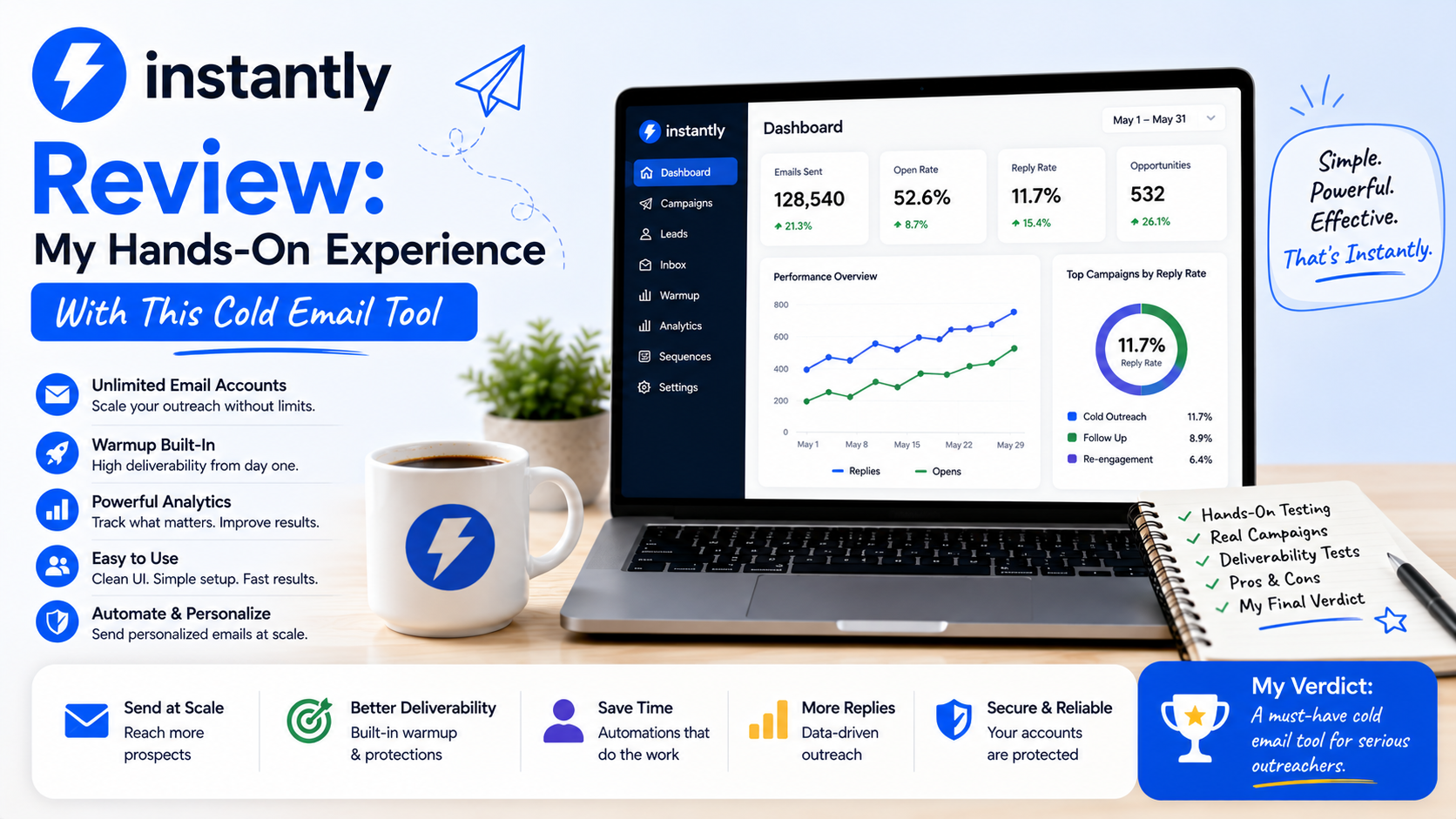
3. Campaign Analytics
Tracking results is important because cold email requires testing.
Instantly helps you monitor things like:
- Emails sent
- Opens
- Replies
- Campaign performance
The numbers help answer questions:
Is the subject line working?
Are people responding?
Is the audience correct?
Without tracking, you are just guessing.
4. Email Account Rotation
For larger campaigns, managing multiple sending accounts becomes important.
Instantly supports workflows where campaigns can distribute sending across connected accounts.
This helps teams avoid putting all activity through one inbox.
However, this does not mean you should suddenly send unlimited emails.
Responsible sending practices still matter.
Where Instantly Performs Well
For Marketing Agencies
This is probably one of the strongest use cases.
Agencies often need predictable outreach systems.
Instead of manually managing every client campaign, they can create repeatable processes.
Example:
A web design agency wants to contact local businesses.
Their workflow:
Find businesses → Upload leads → Send personalized outreach → Track replies
Instantly helps organize this.
For Freelancers
Freelancers often struggle with finding consistent clients.
A freelancer offering:
- SEO services
- Design
- Development
- Consulting
can use Instantly to reach potential customers.
The important part is personalization.
A message saying:
“Hi, I provide digital marketing services.”
will usually perform worse than:
“Hi, I noticed your website loads slowly and found a few areas where you could improve conversions.”
For Sales Teams
Small sales teams can use Instantly to create structured outbound processes.
Instead of everyone sending emails differently, the team can follow a consistent system.
Things I Did Not Like About Instantly
No tool is perfect.
Here are some areas where I think beginners should be careful.
1. It Requires Cold Email Knowledge
If someone has never done outreach before, Instantly may feel confusing.
The software handles sending.
It does not teach you:
- How to find the right prospects
- How to write compelling emails
- How to create good offers
Those skills still matter.
2. Beginners Focus Too Much on Volume
This is probably the biggest mistake.
People think:
More emails = more customers.
That is rarely true.
Sending more poor-quality emails usually creates worse results.
A better approach:
Better targeting + better messaging + consistent follow-up.
3. Email Deliverability Needs Attention
A lot of beginners assume:
“I bought the software, so my emails will reach inboxes.”
That is not how it works.
Deliverability depends on many factors:
- Email setup
- Domain reputation
- Sending behavior
- Email quality
- Recipient engagement
The software helps, but you still need good practices.
My Biggest Mistake Using Instantly
My biggest mistake was trying to scale too early.
I created a larger campaign because I thought more prospects would automatically mean more opportunities.
The result?
More emails sent, but not necessarily better conversations.
I went back and focused on:
- Better prospect research
- Shorter emails
- More specific messaging
- Smaller targeted campaigns
The results improved.
The lesson was simple:
Cold email success is not a volume game.
It is a relevance game.
Instantly vs Traditional Email Outreach
Before using tools like Instantly, many people manage outreach manually.
Typical workflow:
Google Sheet → Gmail → Copy/Paste Email → Reminder → Follow-Up
This works for small numbers.
But when you reach hundreds of prospects, it becomes difficult.
Instantly helps automate the repetitive parts:
- Sending
- Scheduling
- Tracking
- Organization
The human part remains:
- Research
- Strategy
- Writing
Who Should Use Instantly?
Instantly is a good fit for:
✓ Marketing agencies
✓ Lead generation businesses
✓ Freelancers doing outbound sales
✓ B2B companies
✓ Sales teams
It may not be ideal for:
✗ Businesses that only send occasional emails
✗ People expecting instant customers without strategy
✗ Companies without a clear target audience
Tips Before Starting With Instantly
If I was starting again, I would follow this process:
1. Define Your Ideal Customer
Know exactly who you are contacting.
Example:
Not:
“Small businesses”
Better:
“US-based dental clinics with outdated websites and fewer than 20 employees”
Specific targeting improves everything.
2. Write Short Emails
Cold emails are not sales pages.
Respect people’s time.
A simple message often works better.
3. Test Before Scaling
Start small.
Measure results.
Improve.
Then increase volume.
4. Track Replies, Not Just Opens
Open rates can be misleading.
The real goal is conversations.
Final Thoughts: Is Instantly Worth It?
After using Instantly, I understand why it has become popular among outbound teams.
It solves a real problem:
Managing cold email campaigns without spending your entire day inside spreadsheets and inboxes.
But the tool itself is not the reason campaigns succeed.
The strategy behind it matters more.
If you have:
- A clear audience
- A useful offer
- Good messaging
- A proper follow-up system
Instantly can make your workflow much smoother.
If you are hoping that software alone will bring customers, you will probably be disappointed.
For agencies, freelancers, and small B2B teams that already understand outreach, Instantly is a practical tool worth considering.
It does not replace good sales thinking.
It simply gives that process a better engine.