The first email marketing campaign I ever helped create was supposed to take one afternoon.
It turned into a week-long headache.
The idea was simple: collect customer emails, send updates, and stay connected with people who had already shown interest in the business.
But the reality was different.
The contact list was messy. Some emails were outdated. The design looked different on mobile. The first campaign went out, and we spent more time checking whether everything worked than actually analyzing the results.
That experience taught me something important:
Email marketing is not difficult because sending emails is complicated.
It is difficult because building a system that consistently delivers the right message to the right people takes planning.
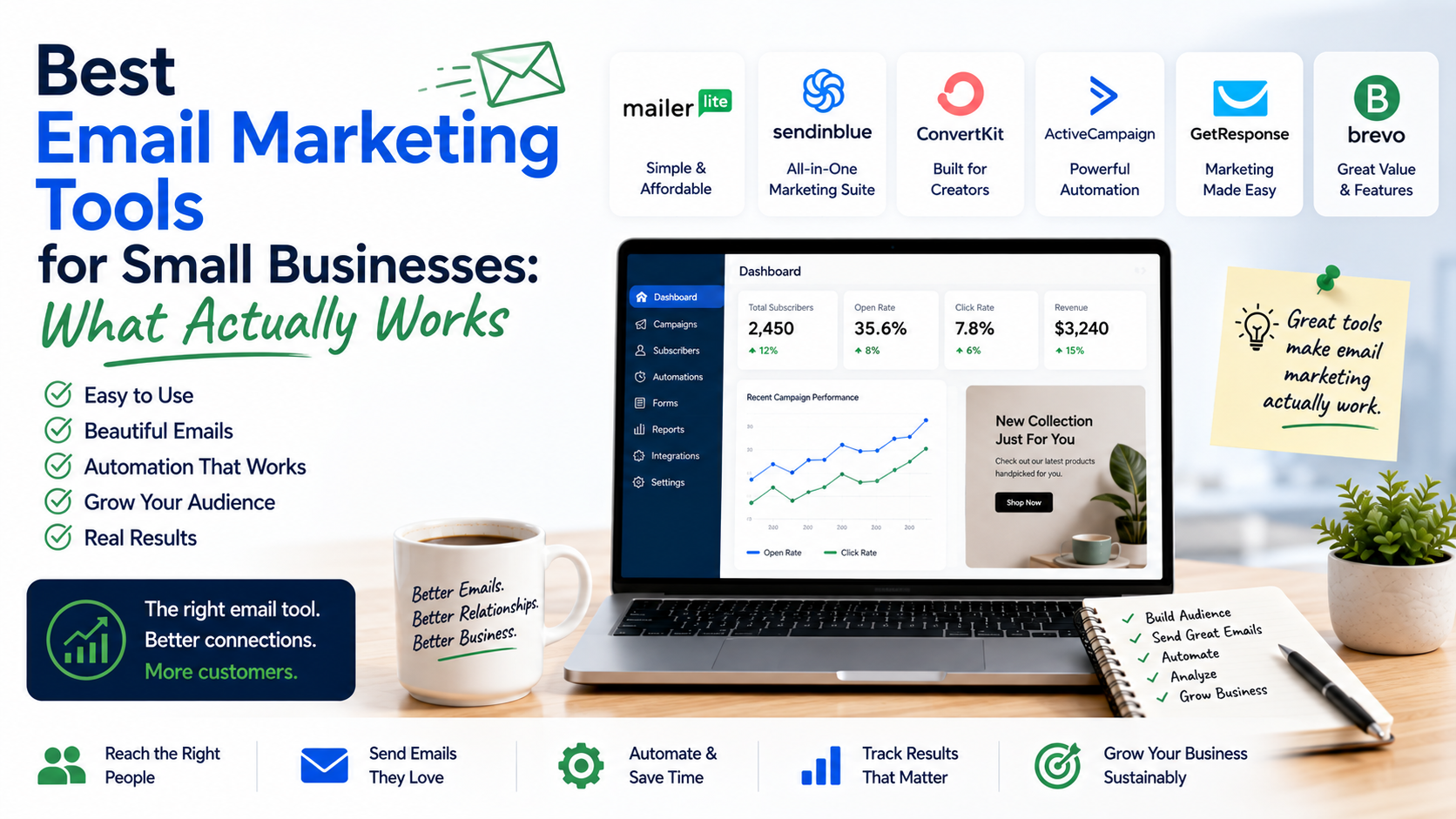
Over time, I tested different email marketing platforms for different types of businesses. Some were great for beginners. Some were better for automation. Some looked impressive but were too complicated for a small team.
The best email marketing tool is not the one with the most features.
It is the one that helps you communicate with customers regularly without making your workflow stressful.
In this guide, I will compare the best email marketing tools for small businesses based on practical use cases, not just feature lists.
What Should Small Businesses Look for in an Email Marketing Tool?
Before choosing software, it helps to understand what actually matters.
Many platforms advertise hundreds of features, but most small businesses only need a few important things.
Easy Contact Management
Your email list is one of your most valuable business assets.
A good tool should help you organize:
- Subscribers
- Customer groups
- New leads
- Existing customers
- Purchase history
Sending the same email to everyone is usually not the best approach.
A customer who purchased last week should not receive the same message as someone who has never interacted with your business.
Simple Email Design
Most small businesses do not have a full-time designer.
The platform should make it easy to create:
- Newsletters
- Promotions
- Product updates
- Announcements
Drag-and-drop editors are useful because you can create professional-looking emails without coding.
Automation
Automation is where email marketing becomes powerful.
Instead of manually sending every message, you can create workflows.
Example:
Someone joins your newsletter.
↓
They receive a welcome email.
↓
Three days later, they receive helpful content.
↓
A week later, they receive a product recommendation.
This keeps customers engaged without constant manual work.
Analytics
A campaign is not finished after clicking send.
You need to understand:
- Who opened the email
- Who clicked links
- Which messages performed better
- Which customers are engaging
Good data helps you improve future campaigns.
1. Mailchimp: Best Beginner-Friendly Email Marketing Tool
Mailchimp is probably one of the most recognized email marketing tools for small businesses.
When many people think about starting email marketing, Mailchimp is usually one of the first platforms they try.
The reason is simple:
It is easy to understand.
The dashboard is beginner-friendly, and creating your first campaign does not feel overwhelming.
Where Mailchimp Works Well
For a small business sending:
- Monthly newsletters
- Product announcements
- Special offers
- Customer updates
Mailchimp works well.
Example:
A local bakery could use Mailchimp to send:
- New menu updates
- Weekend offers
- Holiday promotions
A small online store could send:
- New product announcements
- Discount campaigns
- Customer reminders
What I Learned Using Mailchimp
The mistake many beginners make is focusing too much on design.
They spend hours making a beautiful email but ignore the most important part:
The message.
A simple email with a clear offer usually performs better than a complicated design with no clear purpose.
Best For:
✓ Beginners
✓ Small newsletters
✓ Local businesses
✓ Simple campaigns
2. ConvertKit: Best for Creators and Personal Brands
Kit is designed mainly for creators, bloggers, writers, and online educators.
The platform focuses less on fancy email designs and more on building relationships with an audience.
This approach is different from traditional marketing tools.
The idea is:
Build trust first, sell later.
Where ConvertKit Works Well
It is useful for:
- Bloggers
- Newsletter creators
- Coaches
- Consultants
- Content creators
For example:
A fitness coach can create:
New subscriber joins
↓
Welcome email
↓
Free workout guide
↓
Weekly fitness tips
↓
Paid coaching offer
The entire journey can be automated.
Limitation
If you are running a product-heavy ecommerce business, you may prefer a platform with stronger shopping integrations.
Best For:
✓ Creators
✓ Bloggers
✓ Personal brands
✓ Newsletter businesses
3. HubSpot Email Marketing: Best for Businesses Wanting a CRM Connection
HubSpot is different from many email marketing tools because email is only one part of its larger system.
HubSpot combines:
- CRM
- Marketing automation
- Sales tools
- Customer management
This makes it attractive for businesses that want to understand the complete customer journey.
Example:
A potential customer downloads a guide from your website.
You can track:
- Their contact information
- Their activity
- Follow-up communication
- Sales interactions
Where HubSpot Makes Sense
It works well for:
- Service businesses
- B2B companies
- Marketing teams
- Growing businesses
The Trade-Off
HubSpot is powerful, but it can become expensive as your needs grow.
A very small business that only needs newsletters may not need all of its features.
Best For:
✓ Growing companies
✓ Sales-focused businesses
✓ Businesses needing CRM integration
4. Brevo: Best Affordable Option for Small Businesses
Brevo is a popular choice for businesses looking for affordable email marketing.
One thing I like about Brevo is that it focuses on practical communication tools.
It supports:
- Email campaigns
- SMS marketing
- Automation
- Customer management
Example Use Case
A local service company can use Brevo to send:
- Appointment reminders
- Seasonal offers
- Customer updates
A small ecommerce store can use it for:
- Product promotions
- Customer emails
- Retargeting campaigns
Best For:
✓ Budget-conscious businesses
✓ Small teams
✓ Businesses using email and SMS together
5. ActiveCampaign: Best for Advanced Automation
ActiveCampaign is one of the stronger platforms when it comes to automation.
It is built for businesses that want detailed customer journeys.
You can create workflows based on customer behavior.
Example:
Customer visits a product page.
↓
Customer receives educational email.
↓
Customer clicks but does not purchase.
↓
Customer receives another message later.
This level of automation can be very powerful.
The Challenge
ActiveCampaign has more complexity.
Beginners may find it overwhelming.
You need time to understand:
- Automations
- Segmentation
- Customer journeys
Best For:
✓ Growing businesses
✓ Advanced marketers
✓ Businesses focused on automation
Email Marketing Tools Comparison Table
| Tool | Best For | Main Strength | Possible Challenge |
| Mailchimp | Beginners | Easy setup | Advanced features require upgrades |
| ConvertKit | Creators | Audience building | Less ecommerce-focused |
| HubSpot | Growing businesses | CRM integration | Can become expensive |
| Brevo | Small budgets | Affordable communication | Fewer advanced options |
| ActiveCampaign | Automation | Powerful workflows | Learning curve |
How to Choose the Right Email Marketing Tool
Choosing software becomes easier when you answer a few questions.
Step 1: Understand Your Goal
Ask:
What do I want email marketing to achieve?
Examples:
“I want to send monthly updates.”
A simple tool like Mailchimp may be enough.
“I want to create automated customer journeys.”
Something like ActiveCampaign or HubSpot may fit better.
Step 2: Think About Your Audience Size
Do not choose a platform only because it supports millions of contacts.
Most small businesses start with a smaller list.
Focus on:
- Ease of use
- Pricing structure
- Features you actually need
Step 3: Create a Simple Email Strategy
A tool alone will not create results.
Start with a simple plan.
Example:
Weekly:
Helpful content
Monthly:
Business updates
Occasionally:
Special offers
Consistency matters more than sending dozens of emails randomly.
Common Email Marketing Mistakes Small Businesses Make
Sending Too Many Promotional Emails
People do not subscribe just to receive advertisements.
Balance promotions with useful information.
A good approach:
80% value
20% promotion
Buying Email Lists
This is one of the biggest mistakes.
A large list of uninterested people is not valuable.
A smaller list of people who actually want your content is much better.
Ignoring Mobile Users
Many people read emails on phones.
Always check:
- Font size
- Images
- Buttons
- Layout
A beautiful desktop email can look terrible on mobile.
Not Cleaning the Email List
Over time, some subscribers stop engaging.
Removing inactive contacts can improve list quality.
Writing Boring Subject Lines
Your subject line decides whether someone opens the email.
Avoid:
“Monthly Newsletter”
Try something more specific:
“3 simple ways to reduce website costs”
My Personal Recommendation: Which Tool Would I Pick?
If I was helping a small business choose today, I would start by understanding their situation.
For a beginner:
Mailchimp
It is simple and gets the job done.
For creators and personal brands:
ConvertKit
It is built around audience relationships.
For businesses that need sales tracking:
HubSpot
The CRM connection is valuable.
For affordable email plus SMS:
Brevo
A practical choice for small teams.
For businesses ready for advanced automation:
ActiveCampaign
Powerful, but worth learning properly.
Final Thoughts
The biggest lesson I have learned from email marketing tools is that software is only part of the equation.
A perfectly designed email sent to the wrong audience will not work.
A simple email sent to the right people at the right time can perform surprisingly well.
The best email marketing tool for your small business is the one you will actually use consistently.
Start with your current needs.
Do not buy complicated features you will never touch.
Build your email list, understand your customers, send useful messages, and improve over time.
That is where email marketing starts becoming a real business asset instead of just another subscription sitting unused.