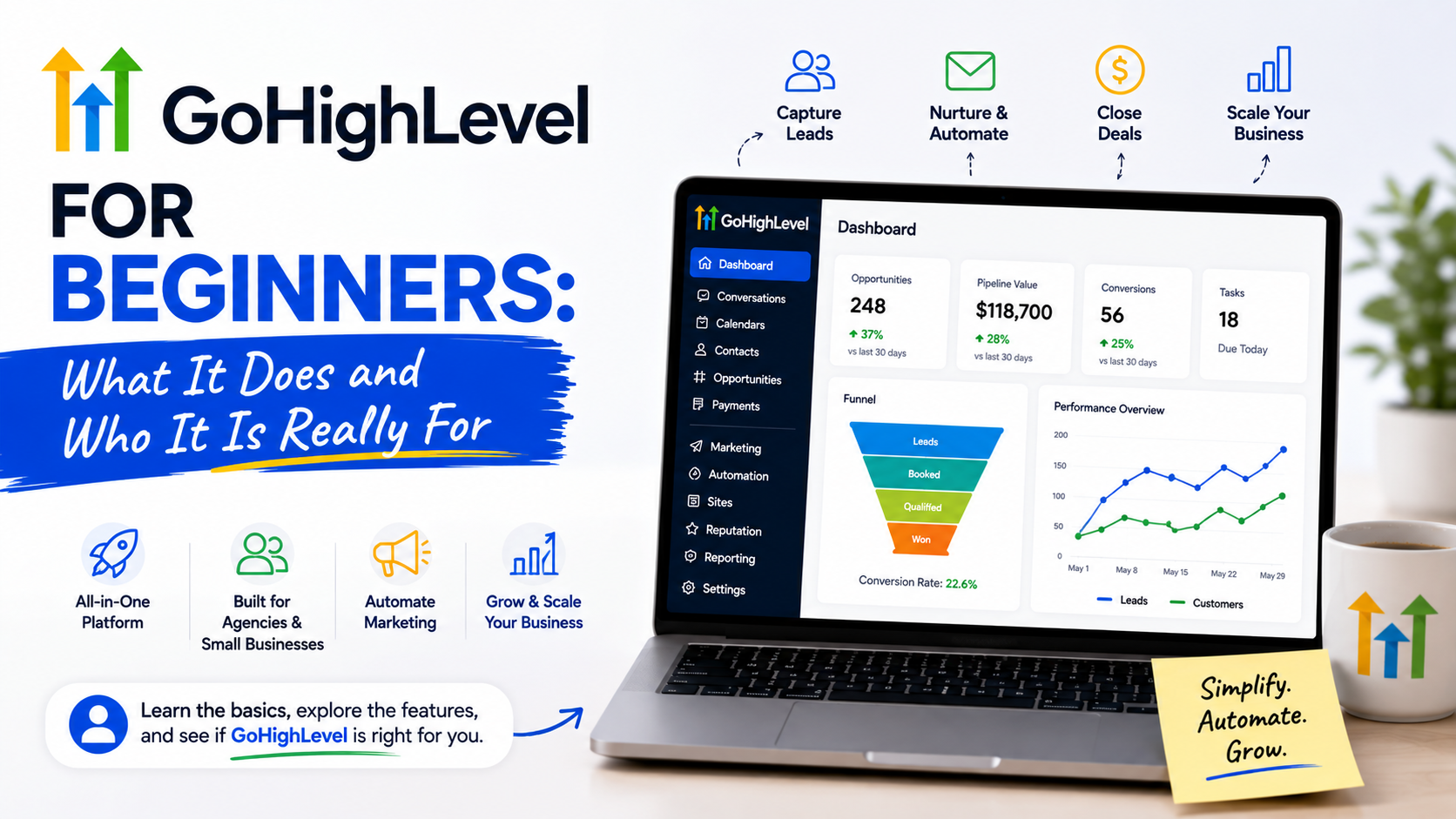
The first time I opened GoHighLevel, my reaction was not excitement.
It was confusion.
I remember looking at the dashboard and thinking, “Wait, is this a CRM, an email marketing tool, a website builder, or some kind of automation platform?”
The answer was: a little bit of everything.
That was also the reason many beginners struggle with it. GoHighLevel is not like opening a simple app where you immediately understand what every button does. It tries to replace several different tools inside one platform, which sounds great, but it also means there is a learning curve.
I first came across GoHighLevel while looking for ways to simplify marketing operations. Like many small agencies and businesses, we had too many separate tools:
- One platform for email campaigns
- Another for landing pages
- Another for appointment scheduling
- Another for client management
- Another for automation
The problem was not that these tools were bad.
The problem was that they were disconnected.
A lead would fill out a form, someone would manually add the information somewhere else, a follow-up email would be created separately, and the sales team would track everything in spreadsheets.
That is where GoHighLevel started making sense.
Instead of adding another tool, it tries to bring many marketing and sales functions together.
But is it the right choice for everyone?
Not necessarily.
Let’s break down what GoHighLevel actually does, who should use it, and where beginners often make mistakes.
What Is GoHighLevel?
GoHighLevel (often called HighLevel) is an all-in-one marketing and customer relationship management platform.
At its core, it helps businesses manage:
- Leads
- Customer conversations
- Sales pipelines
- Email marketing
- SMS campaigns
- Landing pages
- Appointment booking
- Automation workflows
- Reputation management
Think of it as a central command center for marketing and sales activities.
Instead of using five or six different subscriptions, businesses can manage many tasks from one dashboard.
For example:
A potential customer visits your website → fills out a form → receives an automatic email → books a call → gets reminders → enters your sales pipeline.
GoHighLevel can handle this entire journey.
Why Was GoHighLevel Created?
The platform became popular mainly among marketing agencies.
The reason was simple.
Agencies were tired of managing dozens of different software accounts for different clients.
Imagine running a small marketing agency with 20 clients.
Every client might need:
- CRM
- Email marketing
- Appointment booking
- Funnels
- Follow-up systems
- Reporting
Managing all of those separately becomes messy.
GoHighLevel gave agencies a way to create separate client accounts, manage campaigns, and even offer software access as part of their services.
But over time, more businesses started using it directly.
What Can You Actually Do With GoHighLevel?
Let’s look at the practical features.
1. CRM and Lead Management
The CRM is one of the most important parts of GoHighLevel.
You can store:
- Customer information
- Communication history
- Sales status
- Notes
- Tasks
Instead of asking:
“Did someone contact this lead?”
you can check the pipeline.
For example:
New Lead → Contacted → Appointment Booked → Proposal Sent → Customer Won
This makes sales tracking much easier.
A small service business like a roofing company, fitness coach, consultant, or real estate agent can see exactly where every potential customer stands.
2. Automated Follow-Ups
This is probably one of the strongest features.
Many businesses lose leads because they respond too slowly.
Someone fills out a contact form today, but nobody replies until two days later.
By then, the customer may already be talking to a competitor.
GoHighLevel allows businesses to create automated responses.
Example:
Customer submits inquiry:
↓
Instant SMS sent:
“Thanks for reaching out. We received your request and will contact you shortly.”
↓
Email confirmation sent
↓
Reminder created for sales representative
This does not replace human communication, but it helps ensure leads do not disappear.
3. Landing Pages and Funnels
GoHighLevel includes tools for creating landing pages and sales funnels.
You can create pages for:
- Lead generation
- Service promotions
- Appointment bookings
- Product offers
Beginners often compare it with website builders like WordPress or funnel tools like ClickFunnels.
The difference is that GoHighLevel connects the landing page directly with CRM and automation.
A visitor does not just submit a form.
They automatically enter your sales process.
4. Appointment Scheduling
Many small businesses depend on bookings.
Examples:
- Dentists
- Consultants
- Agencies
- Coaches
- Real estate professionals
GoHighLevel provides calendar tools where customers can schedule appointments.
You can also set reminders through email or SMS.
This reduces missed appointments.
5. Reputation Management
Reviews matter.
A business with strong reviews usually creates more trust with potential customers.
GoHighLevel includes reputation management features that help businesses request reviews from customers.
For example:
After completing a service:
Customer receives a message asking for feedback.
Happy customers can be directed toward review platforms.
Businesses can monitor customer responses.
This is especially useful for local businesses.
Who Is GoHighLevel Best For?
GoHighLevel is not designed for everyone.
It works best for certain types of users.
1. Marketing Agencies
This is where GoHighLevel shines.
An agency can use it to manage multiple clients.
For example:
A local SEO agency working with restaurants, dentists, and contractors can create separate client accounts.
Each client can have:
- Their own CRM
- Campaigns
- Funnels
- Automations
Agencies can also create branded versions of the platform.
2. Local Service Businesses
Businesses that depend on leads and appointments can benefit.
Examples:
- Home improvement companies
- Cleaning businesses
- Landscaping companies
- Real estate agents
- Consultants
These businesses usually do not need complicated enterprise software.
They need a reliable system that captures leads and follows up.
3. Coaches and Consultants
Coaches often manage:
- Leads
- Discovery calls
- Email sequences
- Client onboarding
GoHighLevel can organize these processes in one place.
4. Small Businesses That Want Fewer Tools
Some businesses use:
- Mailchimp for emails
- Calendly for bookings
- Zapier for automation
- A CRM separately
- Website forms separately
GoHighLevel can replace many of these.
The benefit is fewer moving parts.
Who Probably Should Not Use GoHighLevel?
This is where many reviews become unrealistic.
GoHighLevel is not automatically the best option.
If You Only Need Email Marketing
If your main goal is sending newsletters, simpler tools may be better.
Platforms like Mailchimp are easier for basic email campaigns.
If You Need a Simple Website
If you only need a basic website with a few pages, GoHighLevel may feel excessive.
A normal website builder might be easier.
If You Do Not Have Leads Yet
This is a common mistake.
People buy automation software hoping it will create customers.
It will not.
A CRM helps manage leads.
It does not replace:
- Marketing strategy
- Good offers
- Customer service
- Traffic generation
My Biggest Beginner Mistake With GoHighLevel
The biggest mistake I made was trying to automate everything immediately.
It is tempting.
You see all the possibilities:
“If someone does this, then automatically send this message, create this task, update this field…”
Before you know it, you have built a complicated system nobody understands.
The better approach:
Start with one simple workflow.
For example:
New lead arrives → Send confirmation → Notify team member → Schedule follow-up
Once that works, improve it.
Do not build a spaceship when you only need a reliable car.
How Beginners Should Start With GoHighLevel
Step 1: Understand Your Customer Journey
Before creating anything, map your process.
Ask:
How does someone become our customer?
Example:
Website visitor
↓
Contact form
↓
Sales call
↓
Proposal
↓
Customer
This becomes your foundation.
Step 2: Set Up Your Pipeline
Create simple stages.
Avoid creating 20 different steps.
A small business might only need:
- New Lead
- Contacted
- Appointment Scheduled
- Closed Won
- Closed Lost
Step 3: Create One Automation
Start with the biggest problem.
Usually:
- Slow responses
- Forgotten follow-ups
- Appointment reminders
Fix one issue first.
Step 4: Train Your Team
A CRM only works when people use it.
Make sure everyone understands:
- Where leads go
- How to update statuses
- Where to add notes
Common GoHighLevel Mistakes Beginners Make
Buying Before Understanding Their Needs
Many people see videos showing advanced automations and immediately subscribe.
Then they realize they do not actually need half the features.
Understand your workflow first.
Overcomplicating Automations
Simple systems usually perform better.
A customer does not need 15 automated messages.
Sometimes one helpful message at the right time is enough.
Ignoring Data Organization
A CRM becomes messy when everyone enters information differently.
Create simple rules:
- How names should be added
- What notes should include
- When pipeline stages should change
Expecting Instant Growth
GoHighLevel can improve organization.
It cannot fix a poor offer or bad marketing strategy.
The tool is powerful, but the strategy still matters.
Is GoHighLevel Worth It for Beginners?
For the right user, yes.
If you are running an agency, managing leads, booking appointments, or handling customer follow-ups, GoHighLevel can replace many separate tools.
But beginners should approach it slowly.
The platform is powerful because it combines many systems together. That is also why it can feel overwhelming at first.
The best way to use it is not to explore every feature on day one.
Start with your biggest business problem.
Need better follow-ups? Build that.
Need appointment reminders? Fix that.
Need a cleaner sales pipeline? Start there.
The businesses that get the most value from GoHighLevel are not the ones using every feature.
They are the ones building simple systems that their team actually follows.
A CRM is only as good as the process behind it, and GoHighLevel works best when it supports a clear process instead of replacing one.